
What's new in Poll Everywhere 2.0?
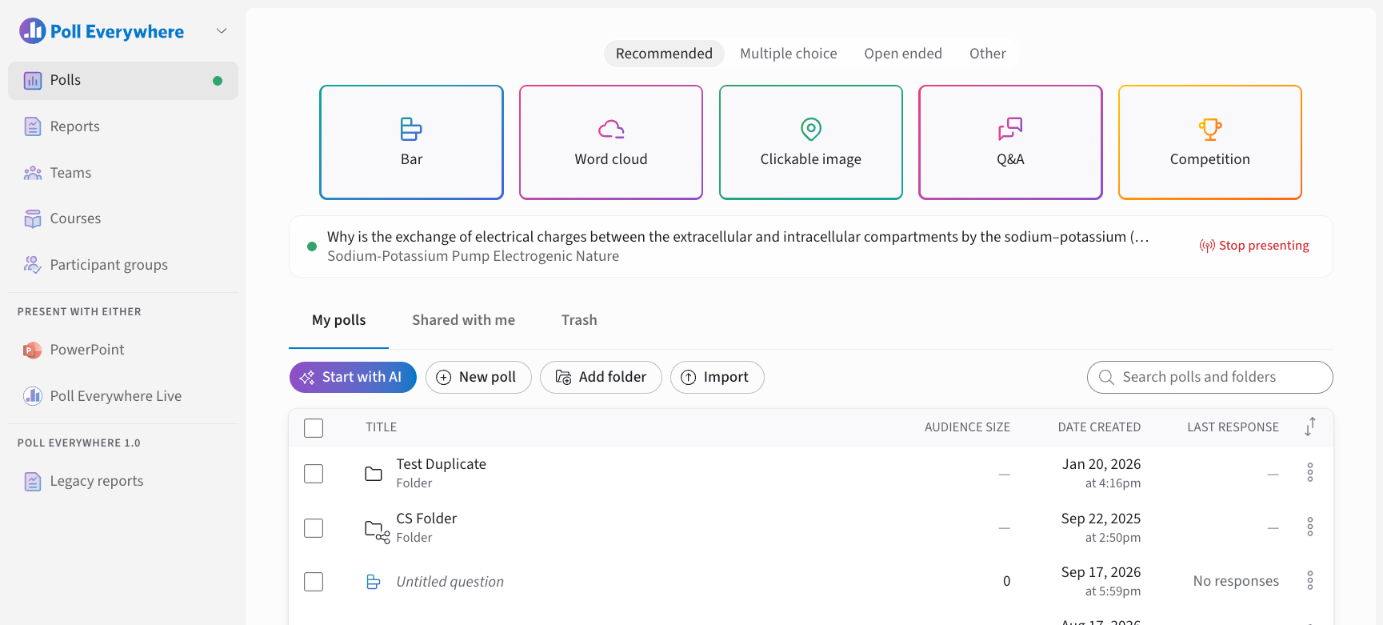
- AI-powered creation. Use Start with AI to build a full poll, quiz or competition from a prompt or pasted document. Use the AI Assistant to rewrite or extend an existing poll.
- A cleaner interface. Edit everything inline, with presentation controls on the slide.
- More ways to ask.
- Multiple choice: Bar, Donut, Likert, Radar, Ranking
- Open-ended: Word cloud, Q&A
- Pinpoint: Clickable image
- Other: Competitions with leaderboards, Attendance, Content and Media slides
- Question Flows. Choose how each question unfolds when you present: Live responses, Quiz, Question first or Manual. Timers are optional.
- Moderation. Approve Q&A submissions before they appear, manually or with the AI Moderator.
- Response links. Collect responses asynchronously with a shareable link, QR code or embed code.
- Seamless sign-in. Magic link, Google, Microsoft, Apple or your organization's SSO.
- Flexible participation. Anonymous by default, or restricted to your organization, teams, courses or participant groups.
- LMS integrations. Canvas, D2L Brightspace, Blackboard and Moodle, with roster sync, assignments and grade sync.
- Present anywhere. Use the Microsoft 365 PowerPoint add-in, or Poll Everywhere Live for Google Slides, Keynote, Canva and more.
- Reporting. Saved reports with overview, question and participant views. Export to CSV or Excel, or use report snapshots for large date ranges.
- Accessibility. WCAG 2.2 AA compliance supports a more inclusive experience.
How does the team and sharing feature work in Poll Everywhere 2.0?
Poll Everywhere 2.0 simplifies collaboration for educators by automatically sharing relevant content with course instructors. When a folder or poll is added to a course assignment, it is now automatically shared with any instructors tied to that course. This removes the need for manual sharing and ensures all instructors have immediate access to content for review, presentation, and grading.
Who qualifies as a course instructor in this context?
Poll Everywhere 2.0 uses the role definitions from your Learning Management System (LMS) to determine who counts as a course instructor. These typically include instructor and administrator roles based on IMS Global standards. If a user holds one of these roles in your LMS, they’ll automatically receive access to shared polls in the course.
What’s the benefit of this new sharing model?
This change makes it easier for teaching teams to collaborate, reduces the need for redundant setup steps, and ensures that anyone responsible for course management has immediate access to the materials they need.
You can track upcoming features here: Product Roadmap