
API access lets an AI agent or an app your team builds work with your Poll Everywhere account on your behalf. You connect it with an API key, which is a private code that proves the program is acting for you. This article is for anyone who wants to turn on API access and create a key. You will probably need a colleague or an AI agent to help with the technical side, and the API guide inside Poll Everywhere explains it in detail.
Who can use the API
- Free accounts: API access is already available.
- Paid accounts (non-Enterprise): API access is already available.
- Enterprise accounts: API access is available. For organizations created before November 20, 2026, an organization admin needs to turn it on first. Organizations created on or after that date already have it.
Turn on API access (Enterprise organization admins)
- Sign in to Poll Everywhere as an organization admin.
- Go to Organization settings > Features > Apps & integrations > API access.
- Turn API access on. You can also set the default for your organization, lock it, or exempt specific members.
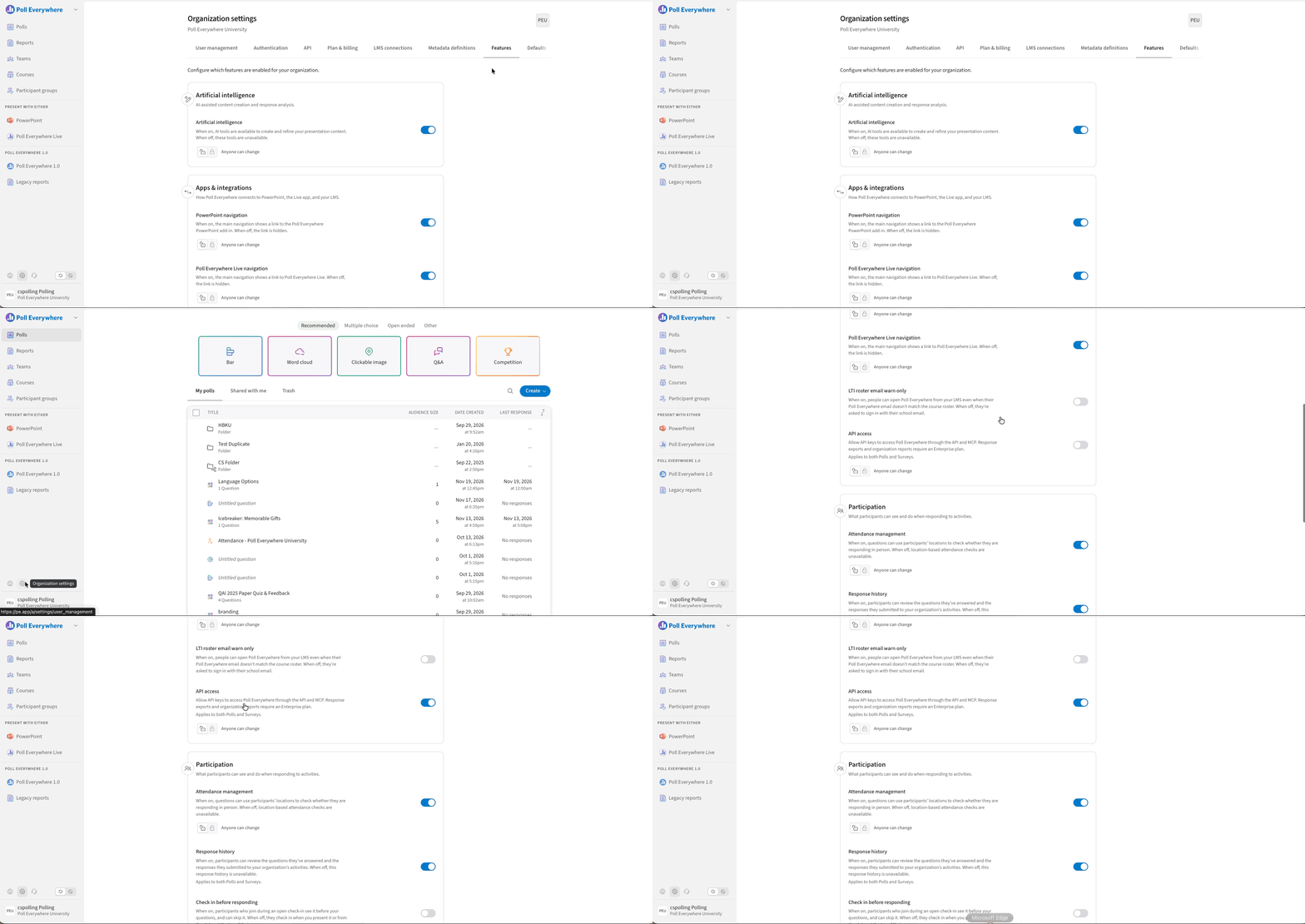
Once it is on, members of your organization can create their own API keys.
Create an API key
- Sign in to Poll Everywhere.
- Go to My settings > API.
- Create a new key and give it a name that tells you what it is for, such as "Slides assistant".
- Copy the key and store it somewhere safe, such as a password manager.
A key acts on your behalf, so anything it does appears as done by your account. To learn how to use your key and what the API can do, see the API guide
Keep your key safe
- Treat your key like a password. Anyone who has it can act as you.
- Do not share it in email, chat, screenshots, or public places such as forums and code repositories.
- If you think a key has been exposed, revoke it right away and create a new one. To revoke a key, [REVOKE STEPS: for example, open the API keys page, find the key, and choose Revoke or Delete].
Limits
Free accounts have one-third of the usage limit that other accounts have.
Need help?
For help with turning on API access or creating a key, contact us at support@polleverywhere.com. For questions about what the API can do, see the API guide.