
Teams group colleagues so you can share polls with them in one step and restrict participation to them.
Create a team
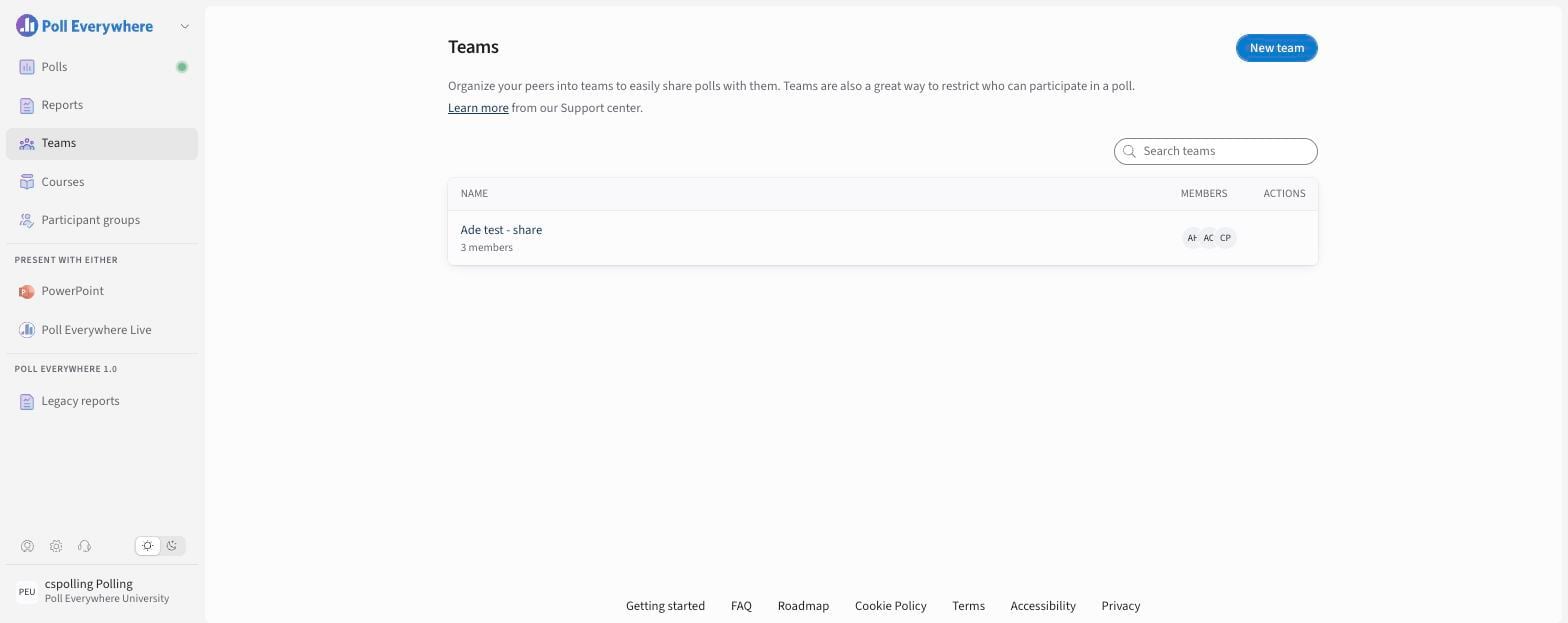
- Select Teams in the left navigation.
- Select New team.
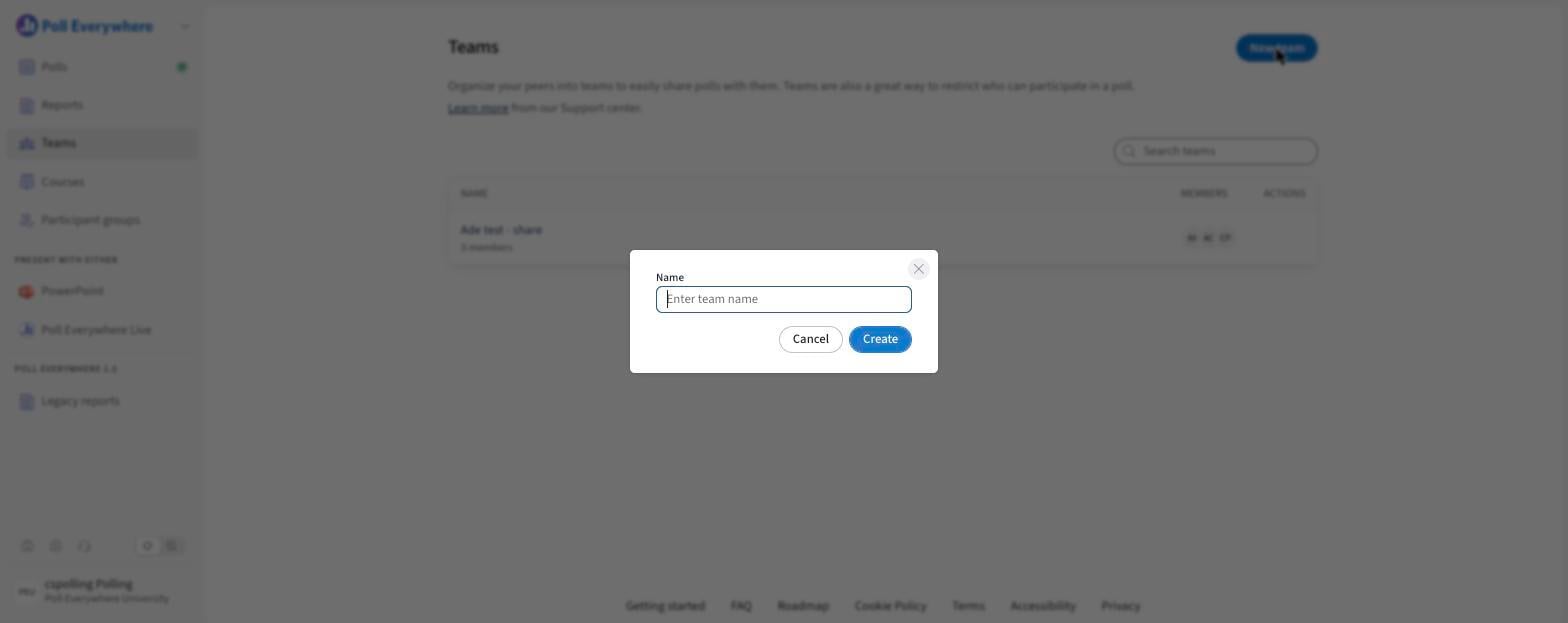
- Enter a Name and select Create.
Add members and assign roles
Open the team to see its Members and their Team role:
- Admin: manages the team and its members.
- Member: belongs to the team.
What you can do with a team
- Share polls and folders: Share → Presenters → Team. Choose Presenter, Editor or Owner.
- Restrict participation: Participation restrictions → Teams.
- See team activity (admins): Reports → Admin reporting → Teams.
Structuring teams
Common patterns: departments ("English Faculty"), courses across sections, and project groups.
If you have any questions or run into issues, please contact the Technical Support team.