
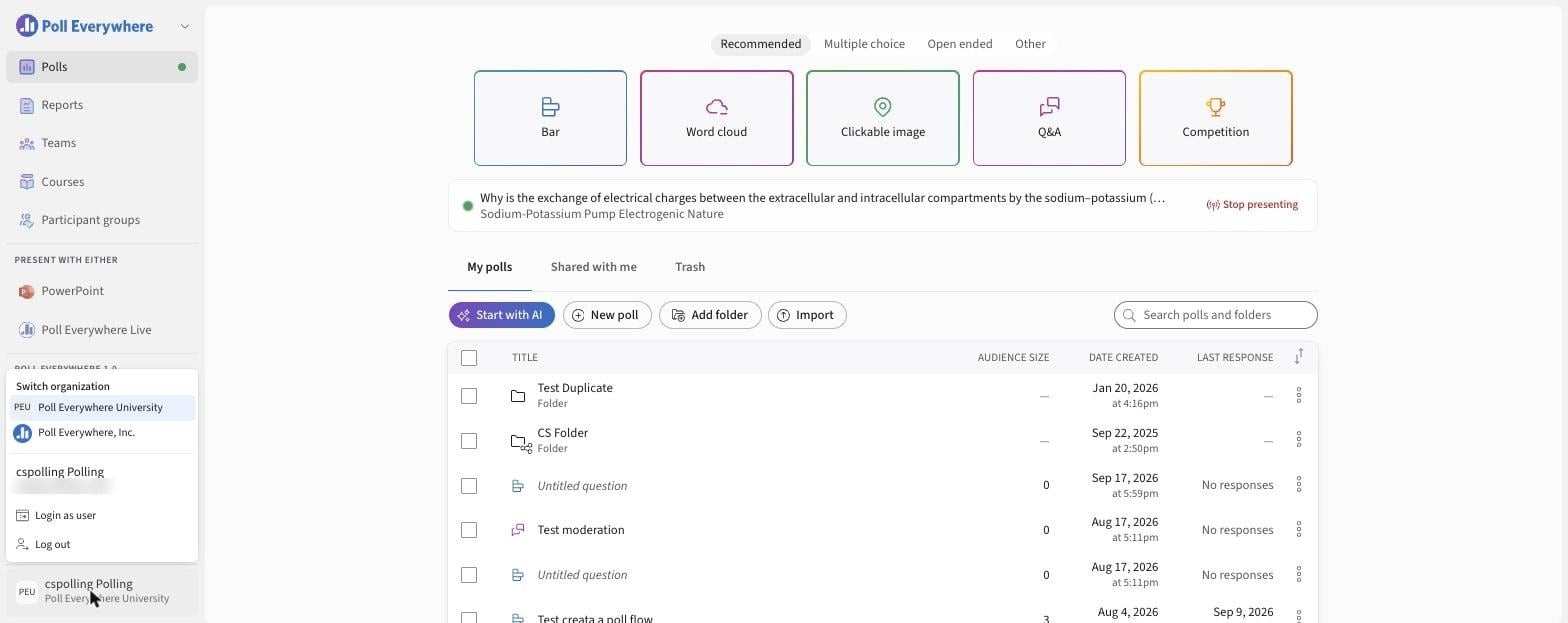
The bottom-left corner of Poll Everywhere holds your account menu, your settings and a light/dark switch.
Settings icons
| Icon | Opens |
|---|---|
| Person | My settings: join code, profile, security, defaults and more |
| Gear | Organization settings (admins only) |
| Headset | Customer support: hours, phone and email |
Light and dark mode
Select the sun for light mode or the moon for dark mode.
Account menu
Select your name to open:
- Switch organization: move between organizations you belong to.
- Login as user: administrators can view Poll Everywhere as another user. See Login As User.
- Log out
Participants and users on managed plans may see fewer options.
If you have any questions or run into issues, please contact the Technical Support team.