
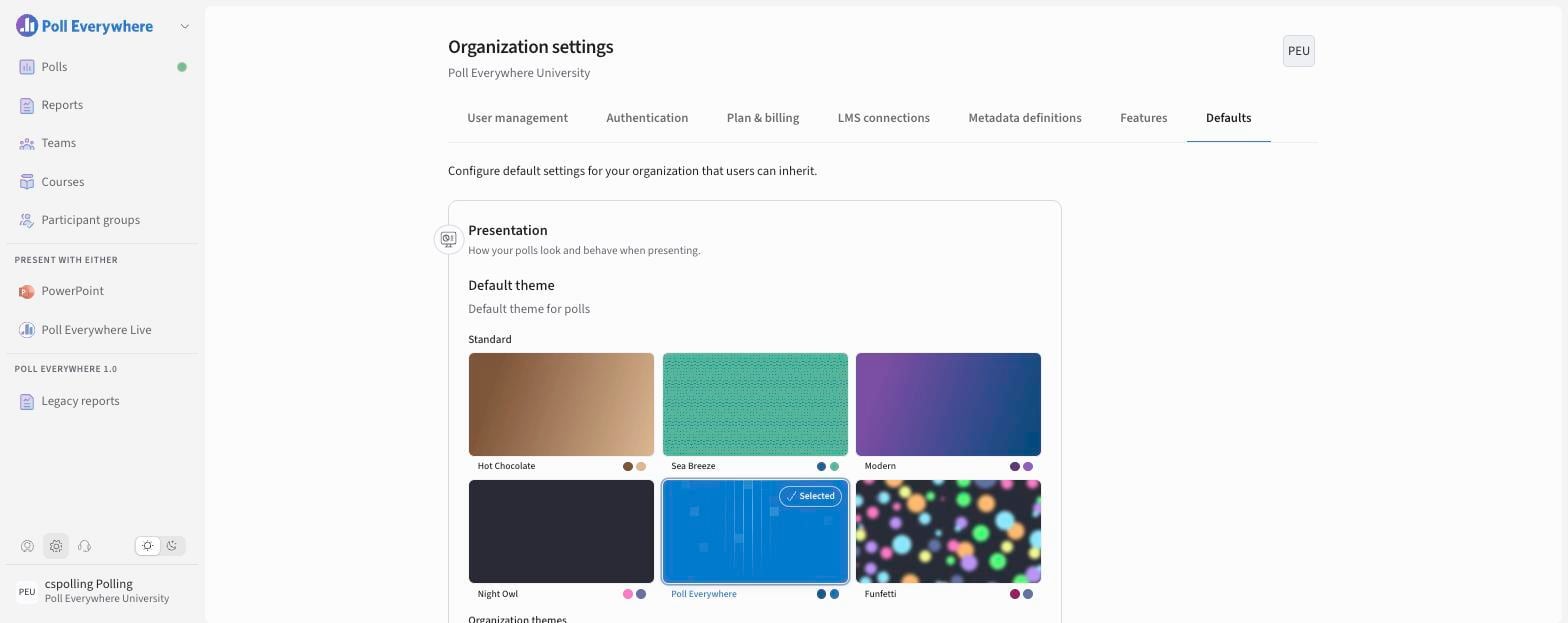
Organization settings is where administrators manage users, sign-in, billing, LMS connections and organization-wide features and defaults.
Open Organization settings
Select the gear icon at the bottom left of the screen. You'll only see it if you're an administrator.
Tabs at a glance
| Tab | What you can do |
|---|---|
| User management | Invite, upload, export and manage users and roles. See User Management. |
| Authentication | Verify your email domain and set up SAML single sign-on. |
| Plan & billing | See your plan, last payment and upcoming payment. |
| LMS connections | Connect Canvas, D2L Brightspace, Blackboard or Moodle, and view registrations. |
| Metadata definitions | Define reusable organization fields (e.g. Course ID, LMS User ID) for surveys and participant groups. |
| Features | Turn features on or off for everyone, and lock them. |
| Defaults | Set the default settings new polls start with, and lock them. |
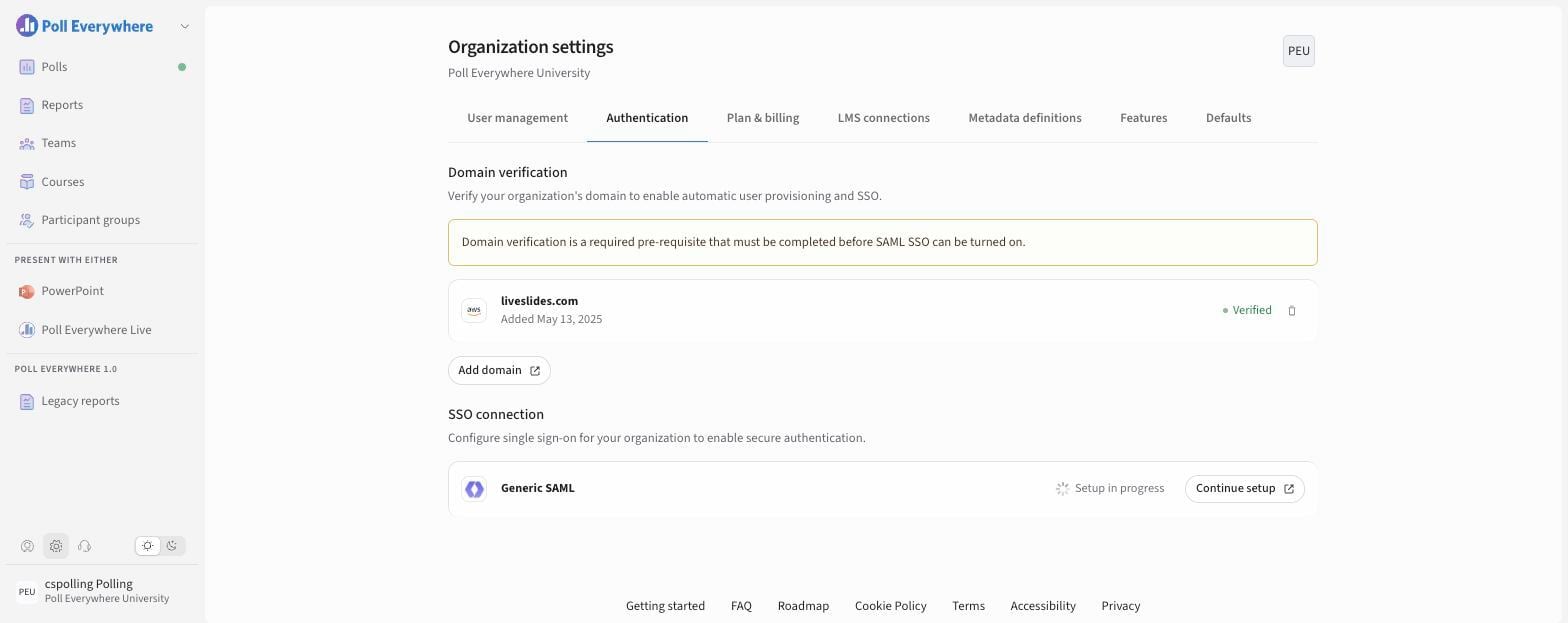
Authentication
- Domain verification: select Add domain and complete verification. You must do this before turning on SAML SSO.
- SSO connection: set up Generic SAML (select Continue setup to resume a setup in progress).
LMS connections
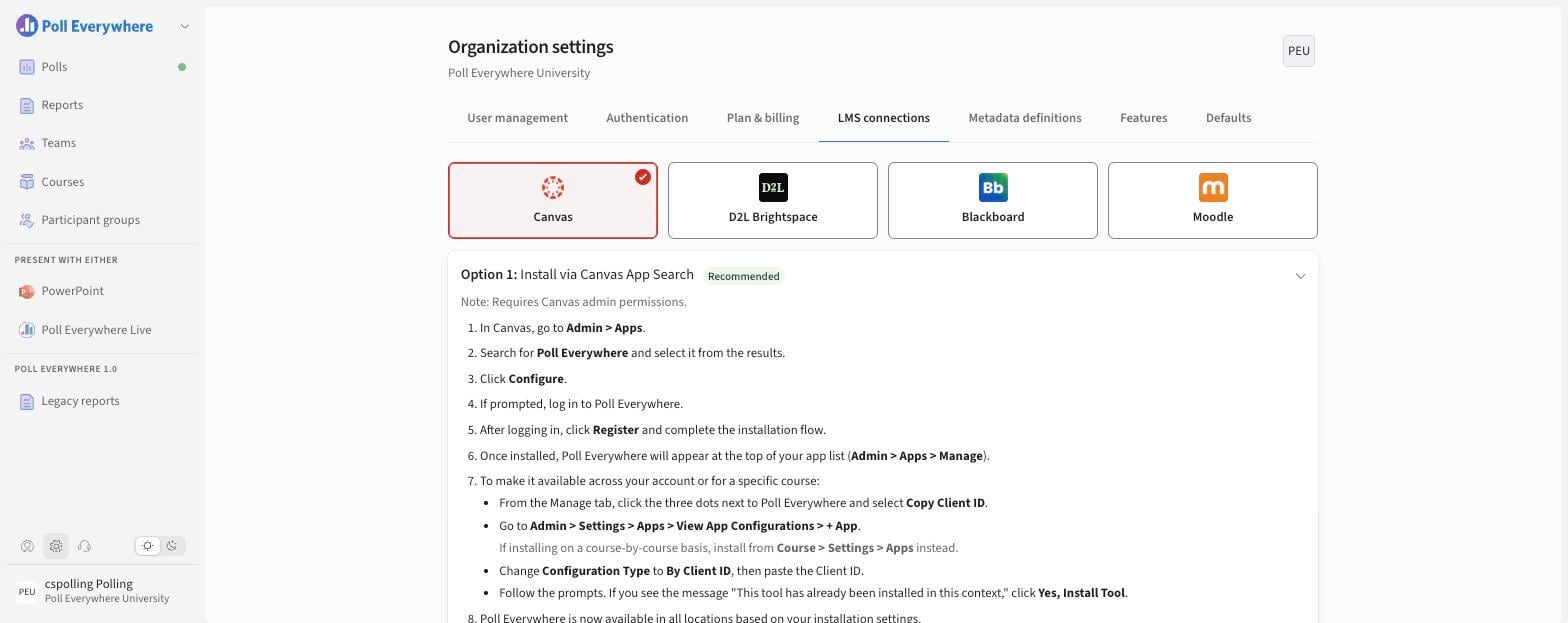
Choose your LMS tile and follow the recommended option:
| LMS | Recommended option |
|---|---|
| Canvas | Option 1: Install via Canvas App Search |
| D2L Brightspace | Option 1: Configure with Dynamic Registration |
| Blackboard | Option 1: Register with Client ID |
| Moodle | Option 1: Configure with Dynamic Registration |
Your existing connections appear under Registrations.
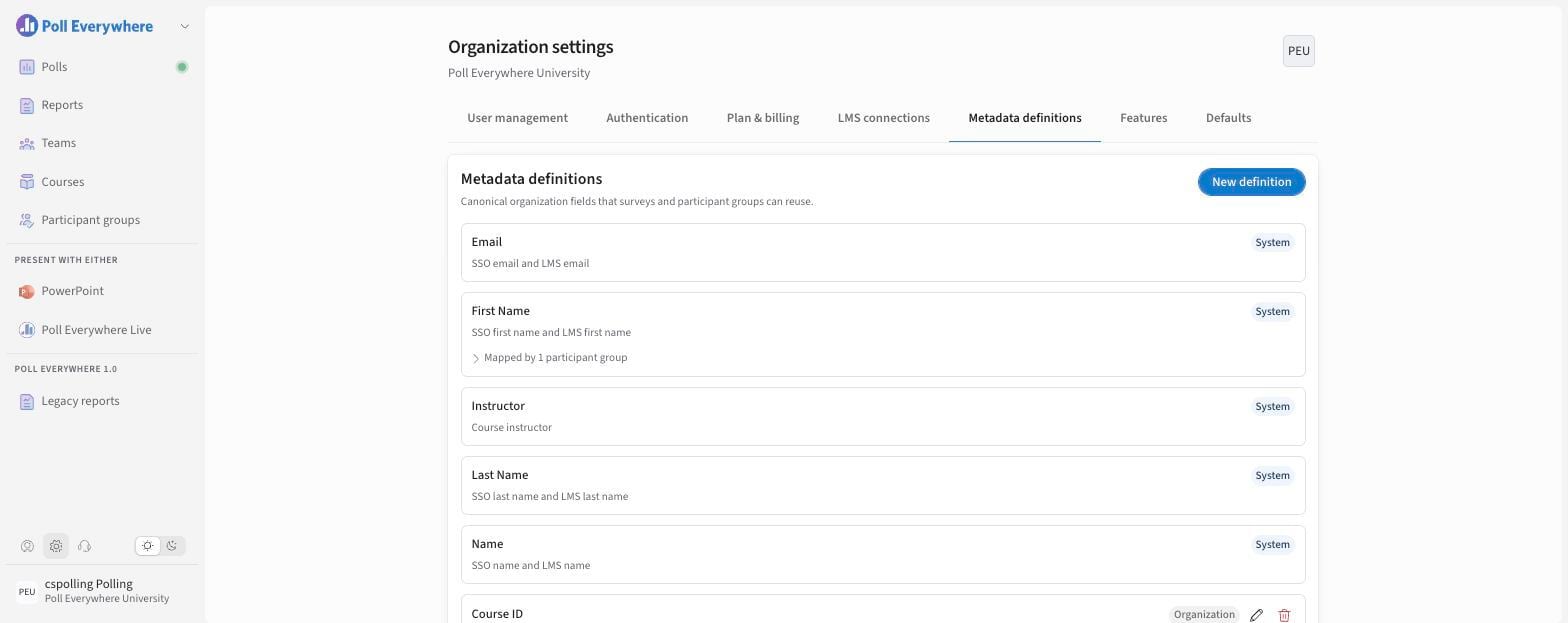
Metadata definitions
System fields (Email, First Name, Last Name, Name, Instructor) come from SSO and your LMS. You can add Organization fields (e.g. Course ID, Course Title, LMS User ID) with New definition.
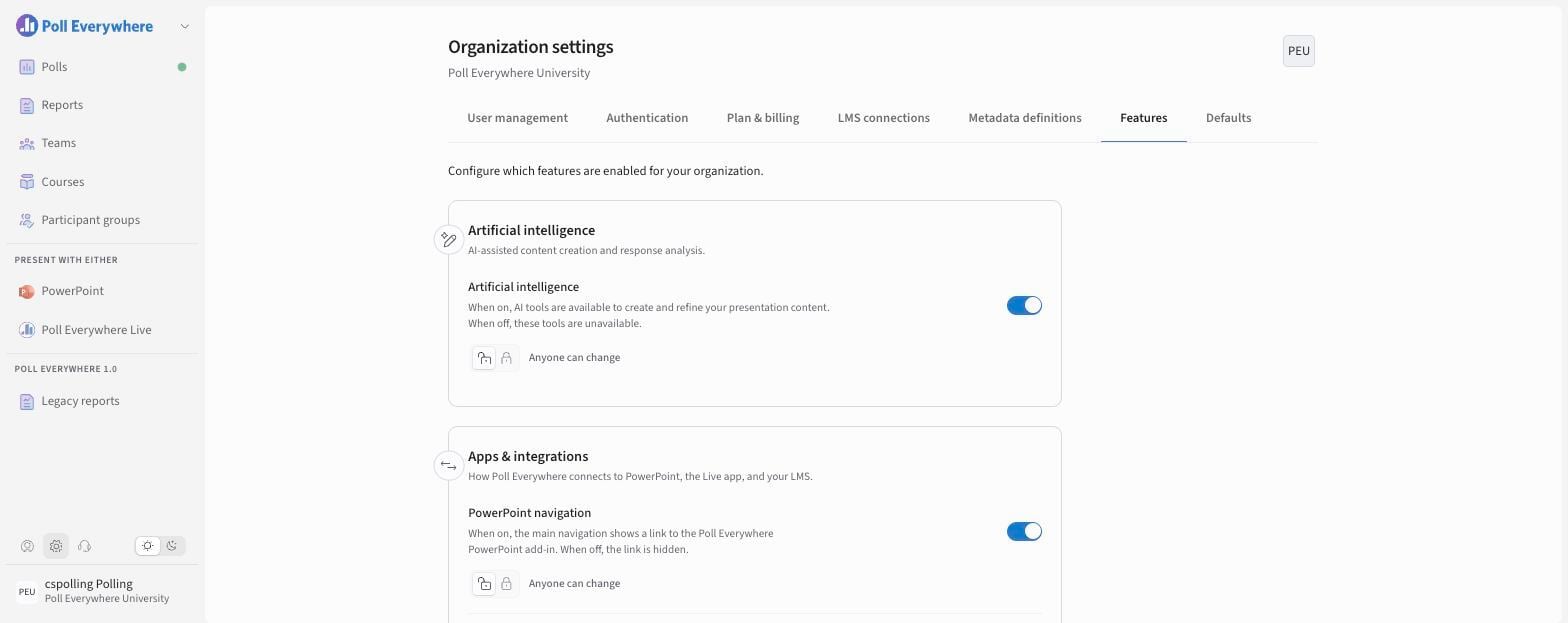
Features
Organization-wide switches. Each can be left as Anyone can change or locked.
| Group | Feature |
|---|---|
| Artificial intelligence | Artificial intelligence |
| Apps & integrations | PowerPoint navigation · Poll Everywhere Live navigation · LTI roster email warn only · LTI roster auto invite |
| Participation | Attendance management · Response history |
| Miscellaneous | Organization sharing |
Defaults
Organization defaults for Presentation, Questions (including which Question types members can create) and Participation. See Setting Poll Defaults.
If you have any questions or run into issues, please contact the Technical Support team.